
IPTV Box Guide: Choosing a Streaming Box for IPTV
By Yeah IPTV Updated 4 min read
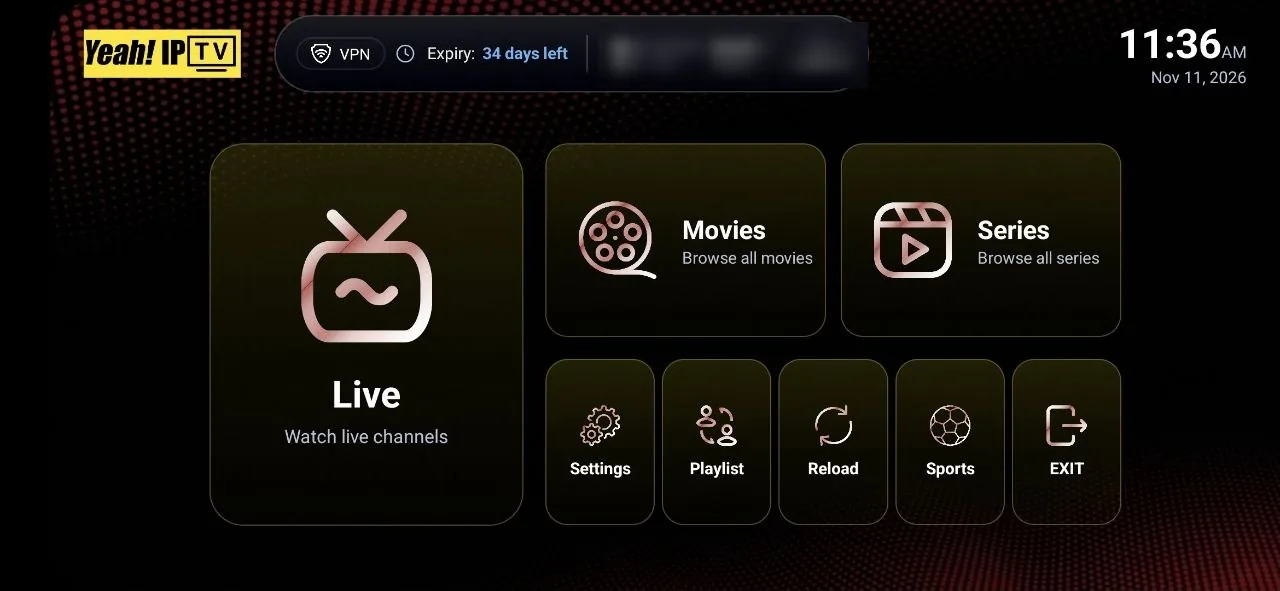
Short answer: an IPTV box is any device that connects to your TV and runs an IPTV player. For most people, a mainstream streaming stick or an Android TV / Google TV box is the simplest choice. Choose a model that decodes 4K HEVC if you have a 4K TV, has enough storage for apps, and ideally supports Ethernet. Avoid boxes sold "pre-loaded" with unknown apps.
You do not always need a box. Many Smart TVs can run an IPTV player directly. But a good box often gives you a faster interface, more app choice and better 4K playback than the apps built into an older TV.
Do You Need an IPTV Box?
You probably do not need one if your Smart TV runs Android TV or Google TV, or if your TV's app store offers a player you like. Consider a box if:
- Your TV's app store has few IPTV players.
- Your TV is older and its apps are slow or unsupported.
- You want 4K and your TV's built-in apps struggle with it.
- You prefer a player that is only available on Android, such as TiviMate.
Our Smart TV guide explains what each TV platform supports.
Types of IPTV Boxes
| Type | Examples | Strengths | Limits |
|---|---|---|---|
| Streaming stick | Amazon Fire TV Stick | Cheap, small, easy to set up | Limited storage; Wi-Fi only unless you add an adapter |
| Android TV / Google TV box | Google TV streamer, Nvidia Shield, other Android TV boxes | Wide player choice from Google Play, often Ethernet | Quality varies a lot between brands |
| Apple TV | Apple TV 4K | Polished interface, strong performance | Fewer IPTV players; App Store only |
| MAG and portal boxes | MAG set-top boxes | Simple remote, built-in portal system | Uses portal and MAC login; check your provider supports it |
| Generic Android boxes | Unbranded boxes | Low price | Often outdated software and security updates |
Specifications That Matter
Video decoding
For 4K, the box needs hardware decoding for HEVC (H.265) at 2160p. For the future, support for AV1 is a plus. Our 4K IPTV guide explains why.
Memory and storage
At least 2 GB of RAM and 8 GB of storage keeps players and guides responsive. Large EPGs and channel lists use memory.
Ethernet
A wired connection is the most reliable way to stream, especially 4K. Many sticks need a separate Ethernet adapter.
Wi-Fi standard
If you must use Wi-Fi, a box with Wi-Fi 5 (802.11ac) or newer on the 5 GHz band performs better than older models.
Software updates
Choose a brand that still releases updates. Outdated software can break apps and leave security holes.
Why to Avoid Pre-Loaded IPTV Boxes
Some boxes are sold with apps and channel lists already installed. These carry real risks:
- The apps may come from unknown sources and may not be safe.
- You cannot easily tell what is licensed.
- In Canada, courts have granted injunctions against sellers of pre-loaded boxes and related services. Our article on whether IPTV is legal in Canada explains the cases.
A clean, mainstream device that you set up yourself is safer and easier to support.
Setting Up an IPTV Box
- Connect the box to your TV and, if possible, to your router with Ethernet.
- Update the box's software.
- Install a player from the official app store. See our guide to IPTV apps and players.
- Enter your account details and let the channel list and guide load.
- Turn on hardware decoding in the player settings if available.
For Fire TV devices, follow our Firestick setup guide.
Using a Box With Yeah IPTV
Yeah IPTV works on Android devices including Fire TV and Android TV boxes, on iOS, on PCs and on Smart TVs. On Fire TV and Android TV you can install the Yeah IPTV app with the Downloader app using code 3264733, or use a compatible third-party player. MAG boxes use a portal login; contact support to confirm before ordering for a MAG box.
Frequently Asked Questions
What is the best box for IPTV?
There is no single best box. A mainstream streaming stick suits most HD viewers; a well-supported Android TV box with Ethernet suits 4K and heavy use.
Is a Firestick good enough for IPTV?
For most people, yes. Choose a 4K model if you have a 4K TV, and add an Ethernet adapter if your Wi-Fi is weak.
Can I use an IPTV box without internet?
No. IPTV streams over the internet, so the box needs a working connection.
Are Android TV boxes legal?
The devices themselves are legal. The legal questions concern what content is installed or accessed through them.
The Bottom Line
The right IPTV box is a clean, mainstream device with the decoding power for your TV, enough memory, and ideally Ethernet. Set it up yourself from official app stores, avoid pre-loaded boxes, and test before you commit to a long plan.
See which devices work on the Yeah IPTV devices page, or request a free trial to test your box.