
Yeah IPTV for Smart TV: What to Expect on Each TV Brand
By Yeah IPTV Updated 2 min read
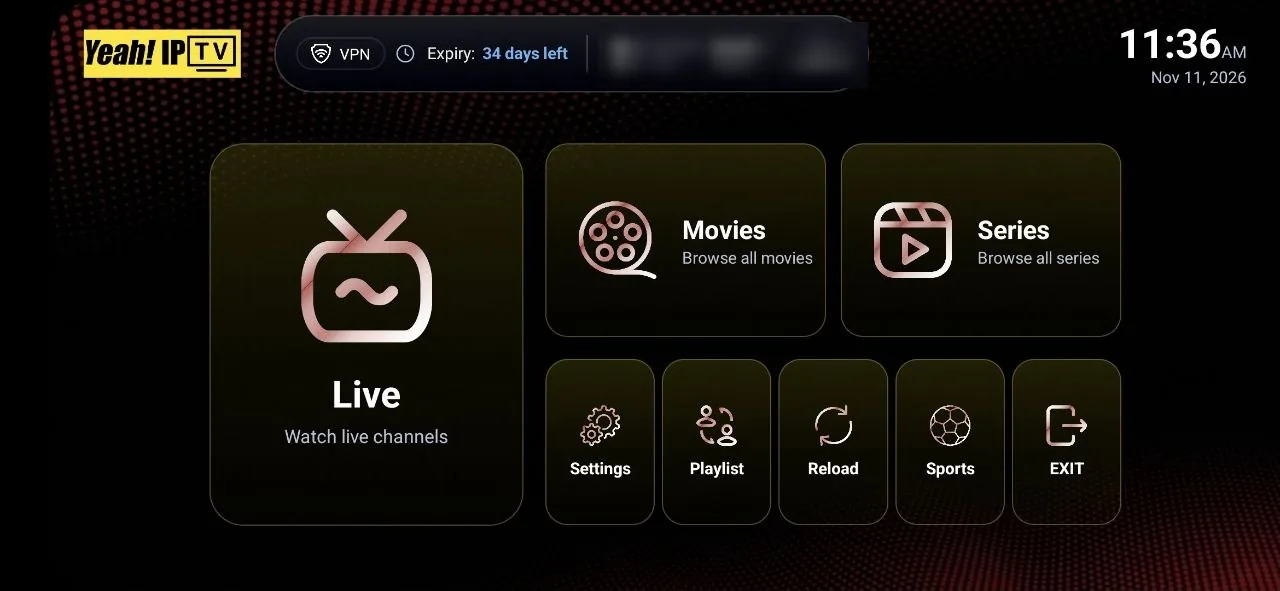
Short answer: you can watch Yeah IPTV on a Smart TV that can run a compatible IPTV player. What you can install depends on the TV's operating system. If your TV has few options, an inexpensive streaming stick is often the easiest fix.
Your TV's Operating System Matters More Than Its Brand
A Smart TV can only run apps built for its platform. Find yours in the settings menu under About or Software Information before you order.
| Platform | Common on | Getting a player | What to expect |
|---|---|---|---|
| Android TV and Google TV | Sony, TCL, Hisense and others | Google Play on the TV | Usually the widest choice of players |
| Tizen | Samsung | Samsung's TV app store | Fewer players. Often linked by device ID |
| webOS | LG | LG Content Store | Fewer players. Often linked by device ID |
| Fire TV | Insignia, Toshiba and others | Amazon Appstore | Same process as a Firestick |
| Roku TV | TCL, Hisense and others | Roku Channel Store | Very limited player options. A separate streaming stick is usually better |
| Older or proprietary systems | Various | Varies | Often easiest to add an external device |
How Device-ID Activation Works
Many Samsung and LG apps do not let you type your details on the TV. The app shows a device ID or MAC address on screen. You then visit the player's website on a phone or computer, enter that ID, and paste your playlist URL. When you restart the app on the TV, your lineup appears.
Some of these apps charge a one-time activation fee after a trial period. That fee goes to the app's developer. It is not part of a Yeah IPTV subscription.
Setting Up Samsung or LG, Step by Step
- Open the app store on your TV and install a compatible IPTV player.
- Open the app and note the device ID or MAC address shown.
- On your phone or computer, open the app developer's official website.
- Enter the ID and add the playlist URL from your Yeah IPTV account details.
- Restart the app on your TV and wait for the channels to load.
Built-In App or Streaming Stick?
| Built-in TV app | External stick or box | |
|---|---|---|
| Extra cost | None for hardware | One device to buy |
| Player choice | Limited on many TVs | Usually much wider |
| Remote and menus | Uses your TV remote | Adds a second remote |
| Longevity | Updates can stop as TVs age | Replaceable when it becomes outdated |
If your TV has Ethernet, check its speed. Some TVs have ports limited to 100 Mbps, which is still plenty for a single 4K stream. Compare other platforms on the compatible devices page.
Getting 4K on a Smart TV
Yeah IPTV offers 4K where available. You will need 4K content, a 4K-capable app and a fast enough connection. Older TVs may lack the video decoding some streams use, so a stream can fail even on a 4K screen. Ask us about your model if 4K matters to you.